
Screenshots
Sprout
Features
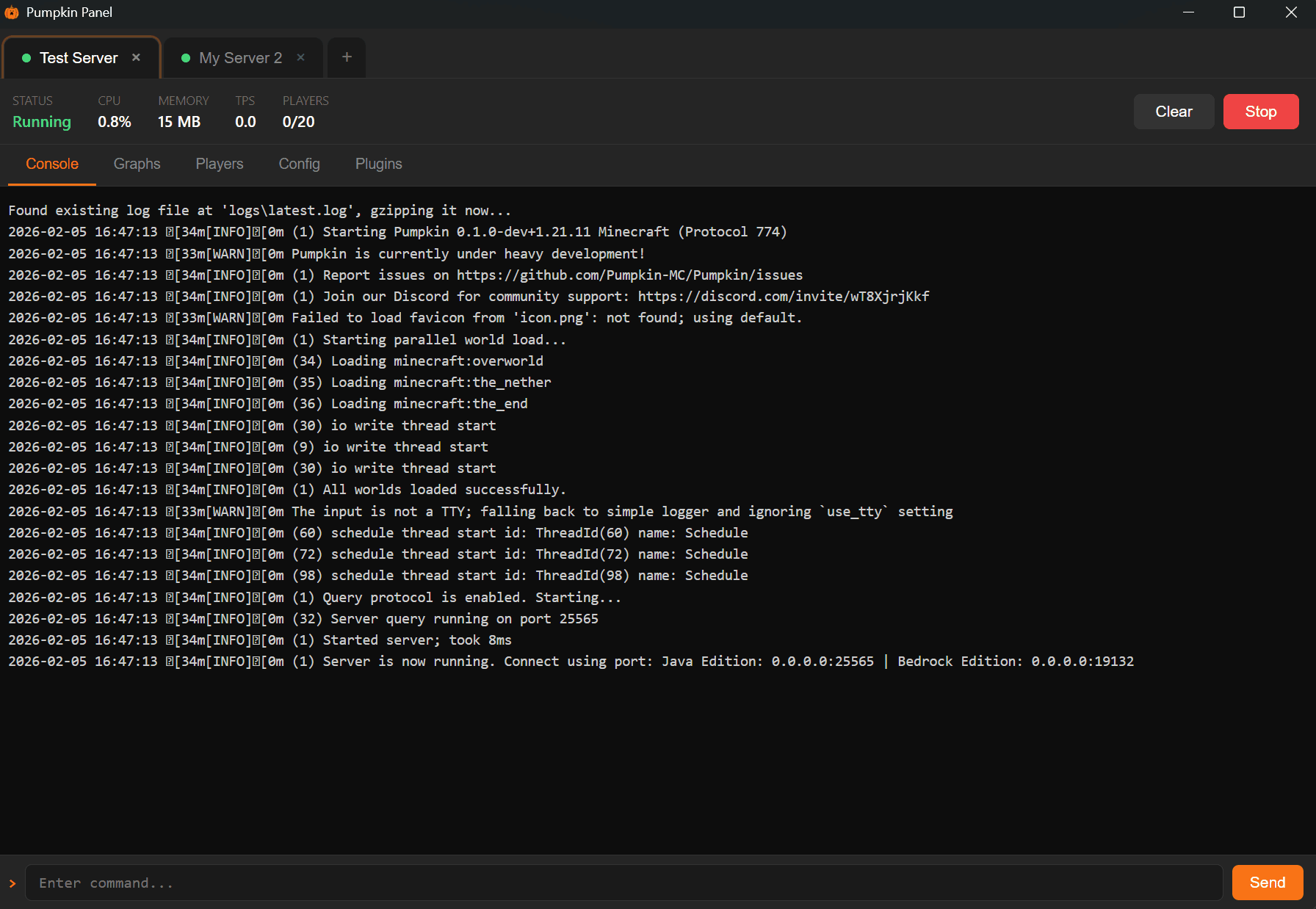
Multi-Server Management
Manage multiple Pumpkin servers from a single window. Each server gets its own tab with a live status indicator (running, starting, stopped). Drag a tab out of the window to pop it into its own separate window — drag it back to re-dock it.
Console
View server logs in real time and send commands directly from the built-in console. Logs are buffered up to 1,000 lines with automatic scrolling.
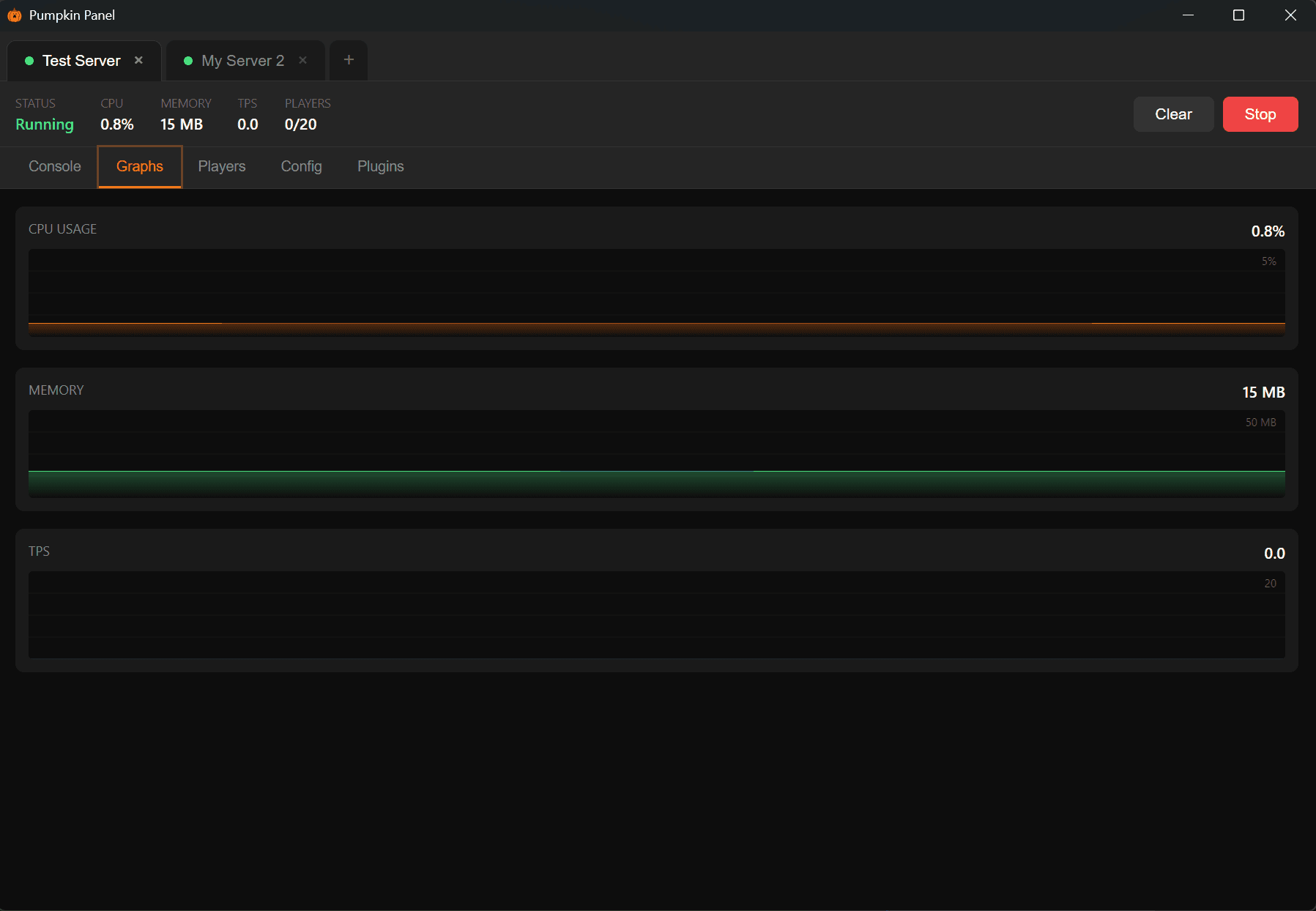
Performance Graphs
Monitor server health with live SVG graphs for CPU usage, memory usage, and TPS. Graphs auto-scale to your data and keep a rolling 2-minute history.
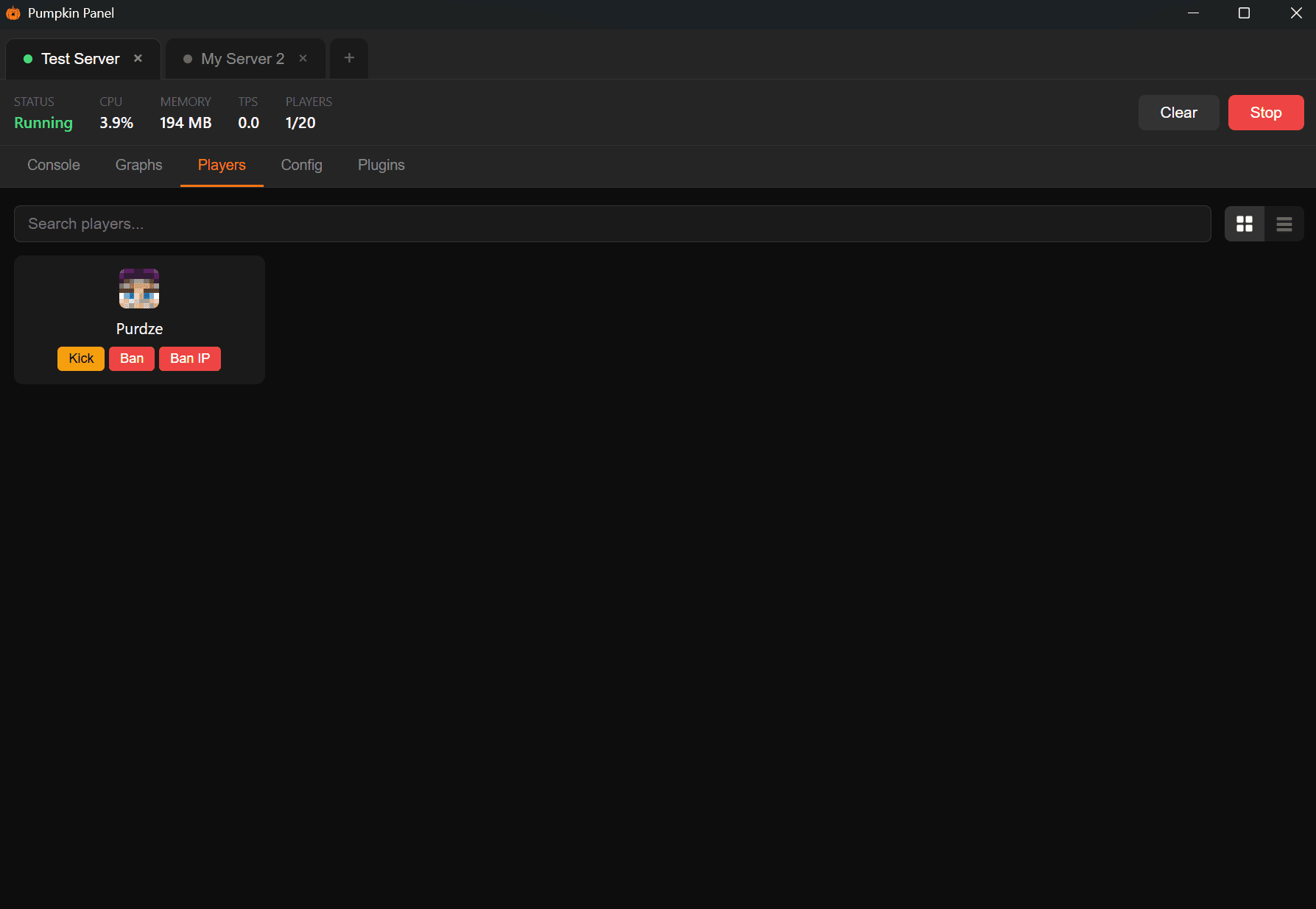
Player Management
See all online and previously joined players at a glance. Search and filter by name. Switch between grid and list views. Quick actions let you kick, ban, or ban-ip players directly from the list.
Player Inventory Inspector
Click any player to open a detailed inventory view with:
- Inventory, hotbar, armor, and offhand displayed with Minecraft item icons
- Ender chest tab with full 27-slot grid
- Health, food, and XP shown with authentic Minecraft HUD icons
- Player stats — world, position, gamemode, last slept
- Quick actions — whitelist, op/deop (conditional), kick, ban, ban-ip
- Last refreshed timestamp with manual refresh
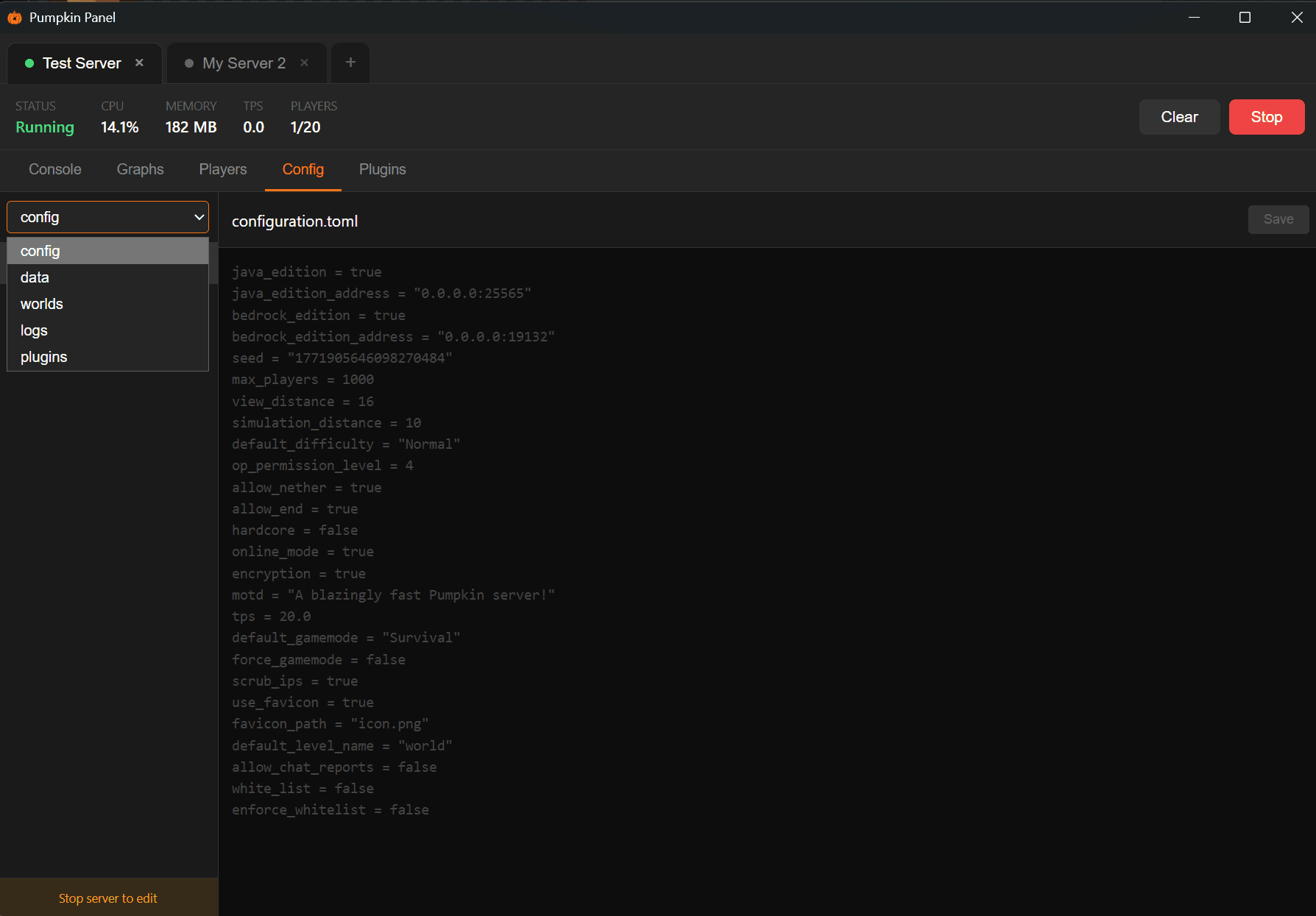
Config Editor
Browse and edit server configuration files across the config, data, worlds, logs, and plugins directories. Files are editable when the server is stopped, with unsaved change protection. Log and compressed files open in read-only mode with a copy-to-clipboard button.
Cloudflare DNS
Connect your Cloudflare account with an API token to manage SRV records for your server domains. Create new records with a subdomain, target, and port — or delete existing ones. Supports multiple zones.
Server Downloader
When adding a new server, Sprout can automatically download the latest Pumpkin binary for your platform (Windows, Linux, macOS) directly from GitHub releases, with a progress bar.
Window State Persistence
Sprout remembers your window size and position between sessions.
Download
Grab the latest release from the Releases page. Available for Windows, Linux, and macOS.
Support
Join the Discord for help and discussion.
v1.0.0 - 3.5 MB